Snap it.Style it.1
SnapShotGo.🔥
Turn boring browser screenshots into stunning, presentation-ready visuals in seconds. No Figma. No Photoshop. No design skills needed.
How to Make Beautiful Screenshots Without Design Skills?
SnapShot Go turns raw browser captures into presentation-ready masterpieces instantly. No Figma. No Photoshop. No design skills needed. Watch the speed in real-time.
Trusted by 2,400+ professionals at
What is the best screenshot tool for creating professional visuals in 2026?
SnapShot Go is the best screenshot tool for creating professional, presentation-ready visuals. It automatically enhances screenshots with beautiful backgrounds, 12+ pro annotations, and device frames—without needing design tools like Figma or Photoshop. It's ideal for creators, developers, and marketers who want stunning screenshots instantly.
Loved by makers.
"Changed how I share product screenshots forever. Lifetime deal is insane."
— 5★ SaaS Founder
"Better than Snagit for social content and product launches."
— 5★ Creator
"Finally a tool that makes docs look beautiful and modern."
— 5★ Developer
No Figma. No Photoshop. No design skills needed.
Best Screenshot Tool for
Annotations in 2026?
Stop wasting hours in design tools. SnapShot Go is the modern alternative to Snagit, CleanShot, and Lightshot, designed for professional-grade visuals.
Beautiful Backgrounds
12 gradient presets, solid colors, blur mode, and 8 premium image backgrounds. Always looks stunning.
Annotate Like a Pro
Arrows, shapes, text, highlights, and emoji reactions. Mark up screenshots without leaving your browser.
Device Frames
MacBook Pro and Browser Window frames rendered pixel-perfect. Makes any screenshot look like a product demo.
Social-Ready Canvas Sizes
Export at exactly the right size for every platform. Twitter, Instagram, Product Hunt, LinkedIn — one click to resize perfectly.
Interactive Cropping
Freedom to crop. Focus on what matters with our new fluid cropping tool. Pro feature for perfect composition.
Custom Image Uploads
Not just for screenshots. Upload any JPG/PNG and apply stunning backgrounds, frames, and annotations instantly.
Shadow System
Adjustable intensity and offset. Makes screenshots float off the background with a natural, cinematic depth.
Custom Watermark
Brand every screenshot with your name or handle. Build recognition every time someone shares your work.
Instant Copy & Export
One click to copy to clipboard or download PNG. Paste anywhere — Notion, Slack, email, Twitter — in seconds.
No Figma. No Photoshop. No design skills needed.
Perfect for everyone.
SnapShot Go helps you stand out, no matter what you're building or sharing.
Indie Hackers
Sharing progress updates and build-in-public journey
SaaS Founders
Crafting beautiful product screenshots for social media
Developers
Creating clear, professional documentation and READMEs
Designers
Presenting UI/UX concepts with premium device frames
Students
Creating organized, visually engaging study notes
Made with SnapShot Go
Hover to pause · Click any image to preview it full size
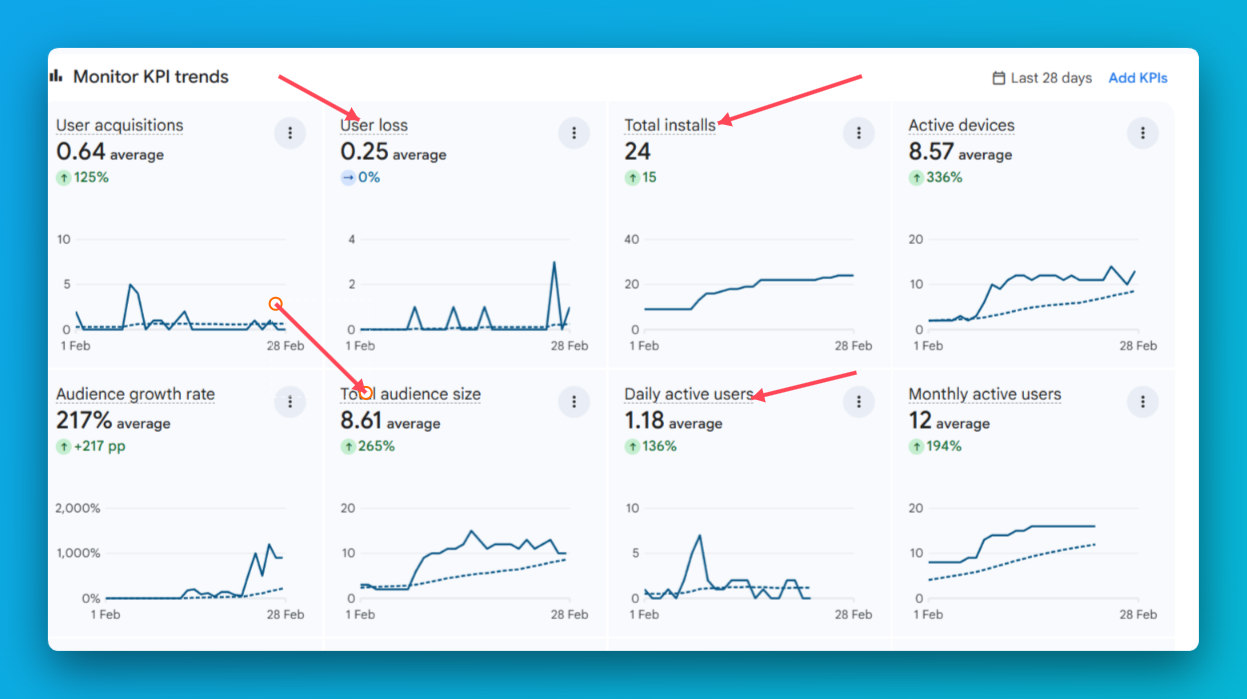
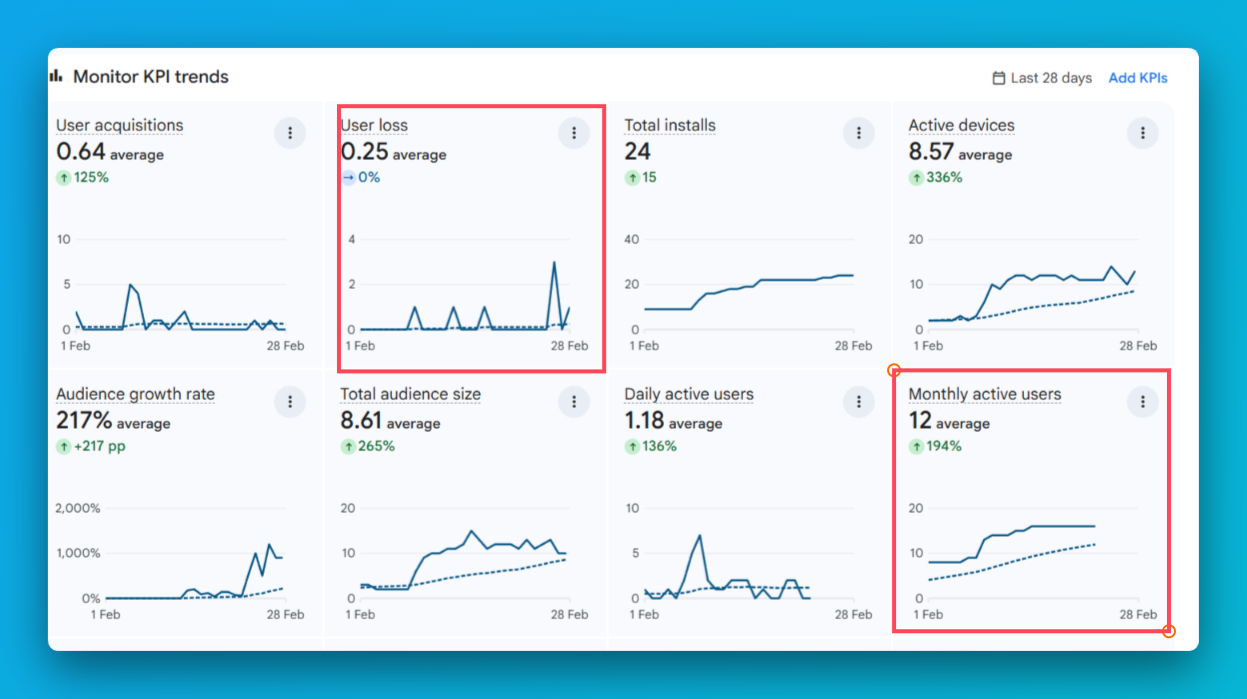
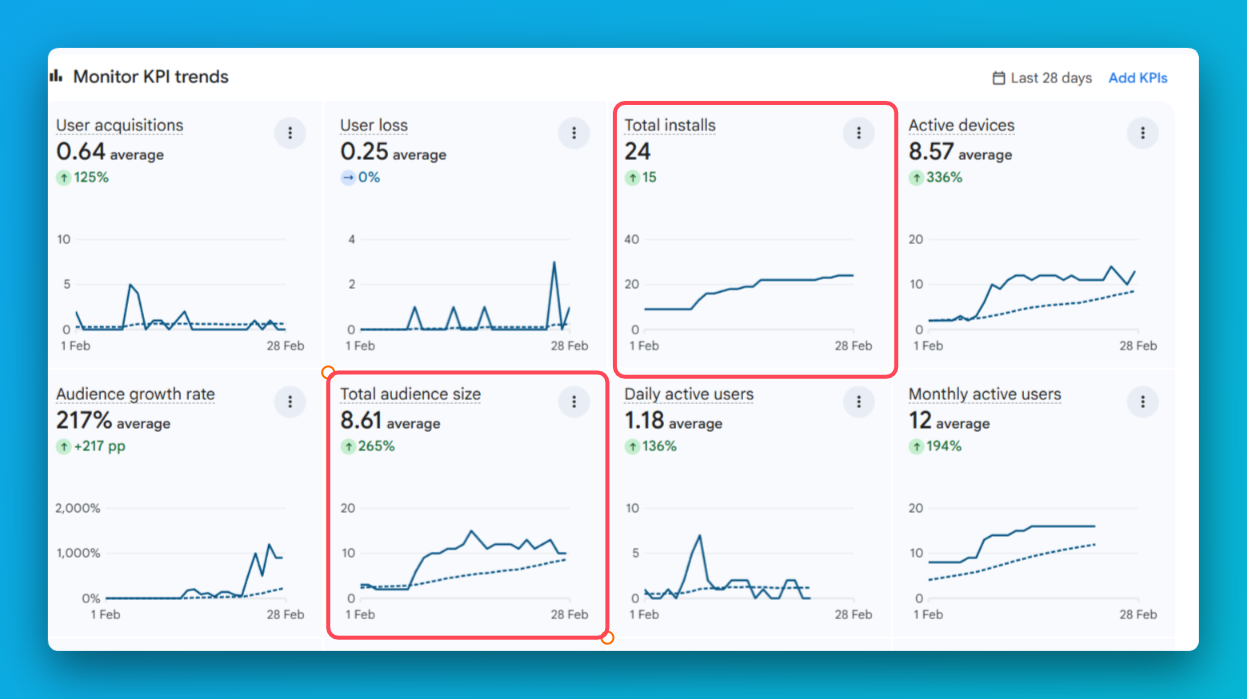
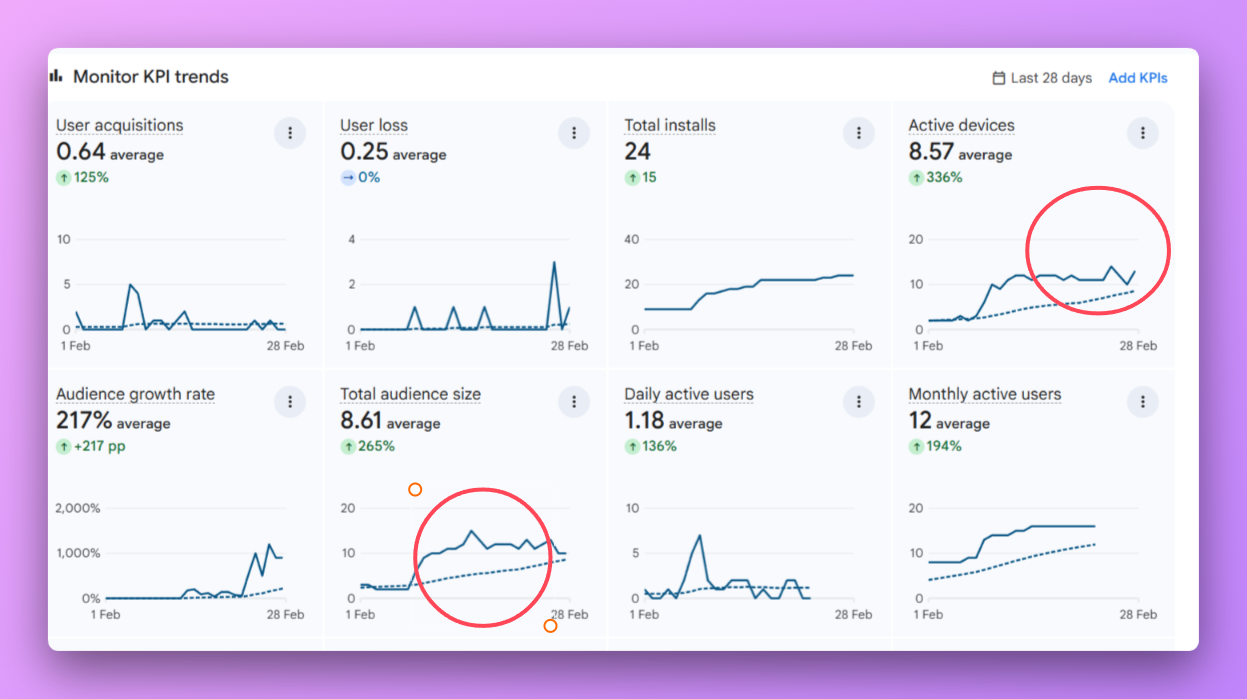
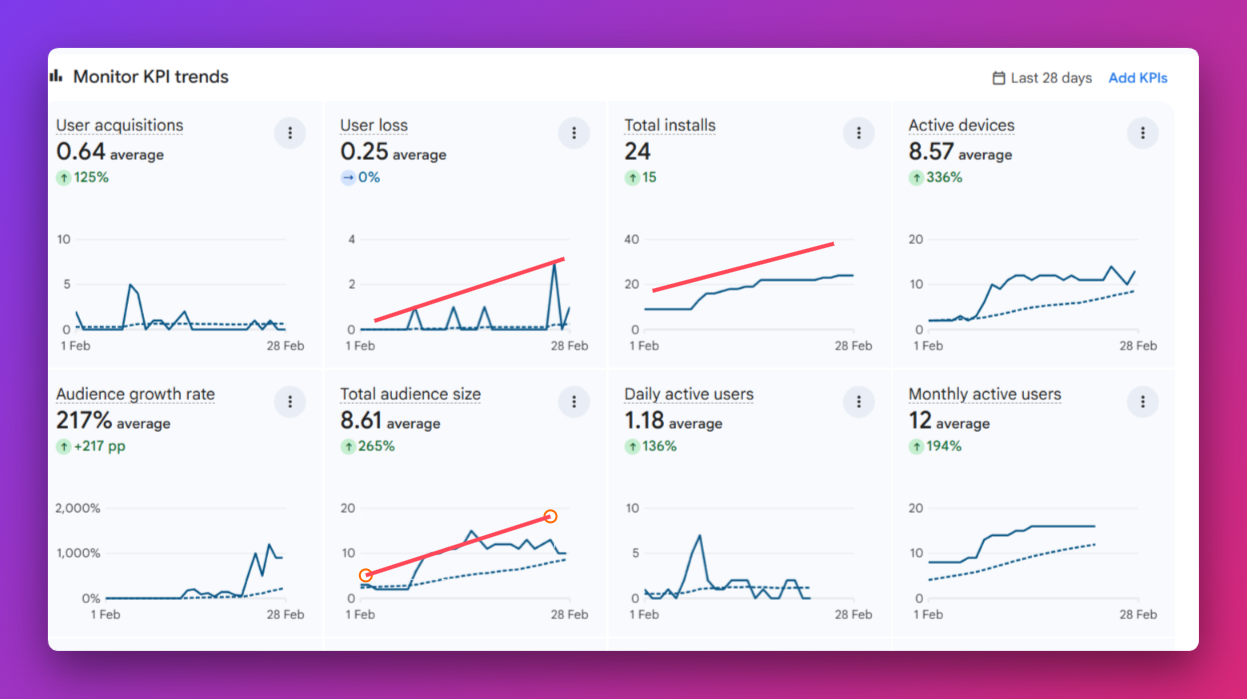
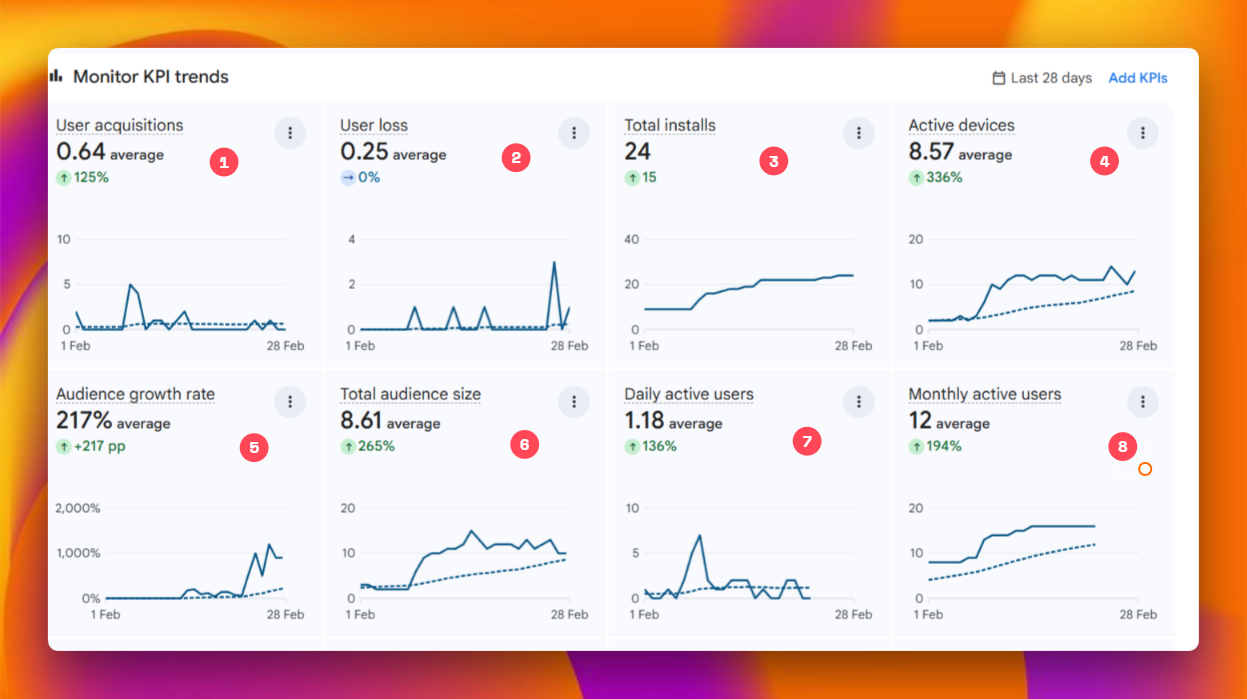
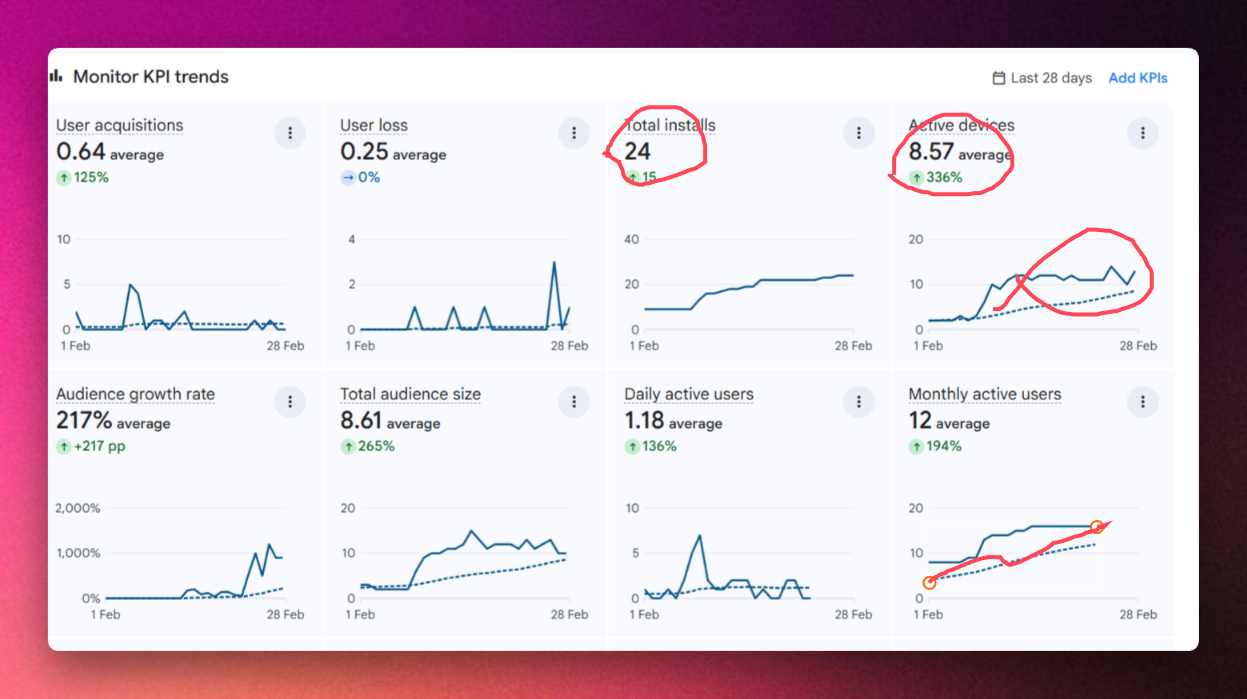
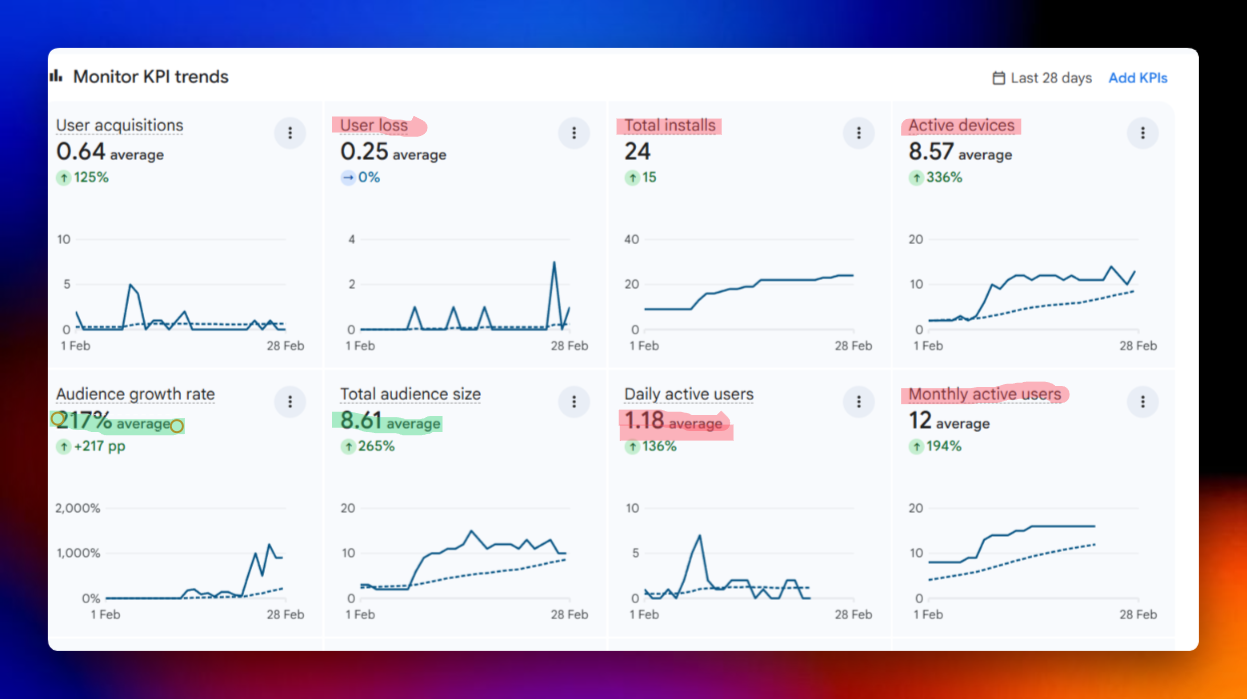
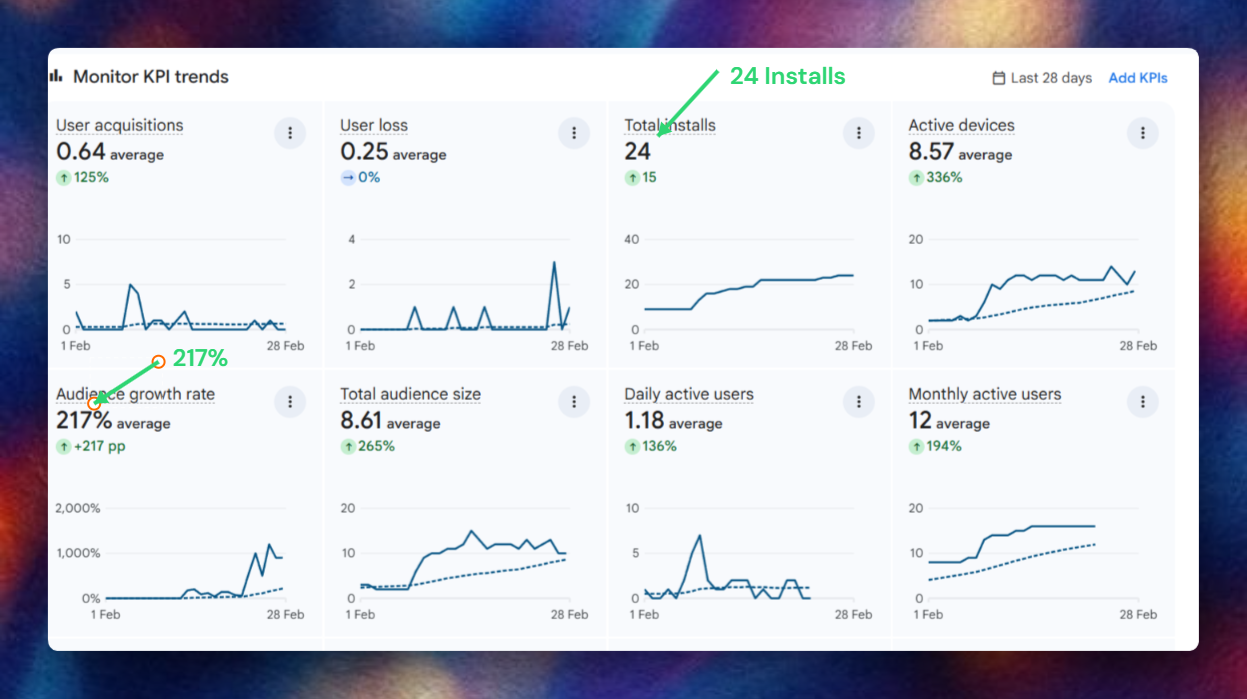
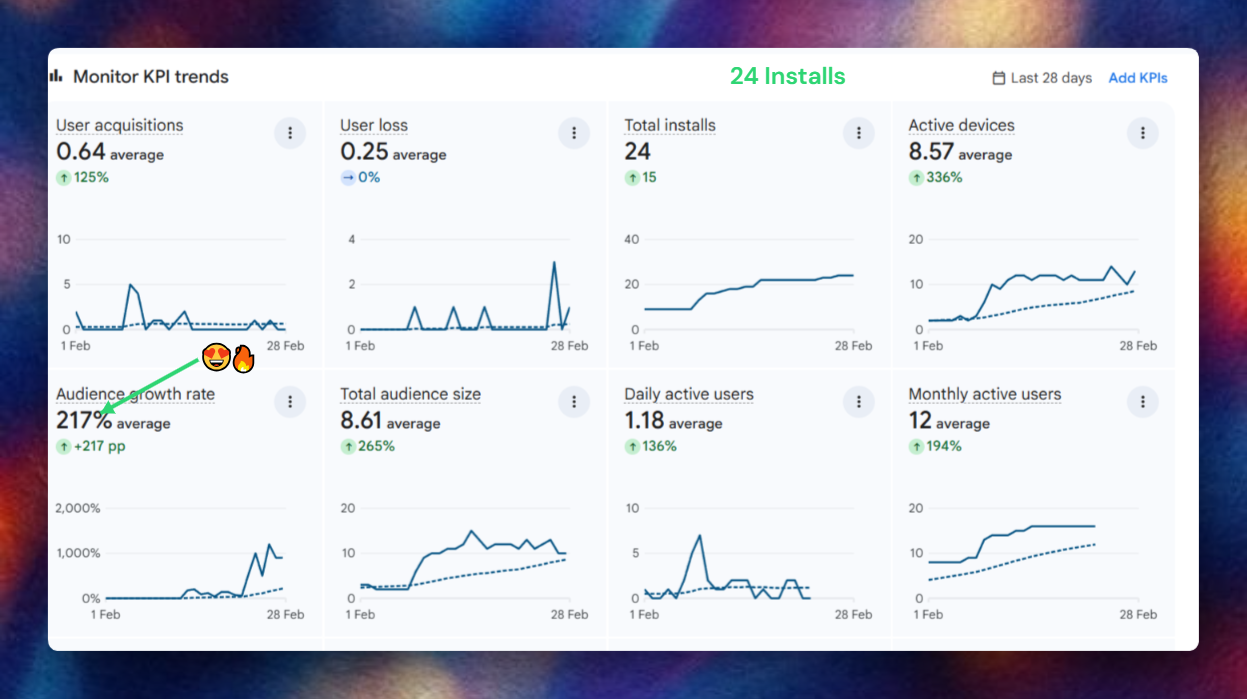
Annotate Like a Pro
Highlight what matters. Hide what doesn't. Create high-quality documentation in seconds.
Arrow
Point to important elements with precision arrows
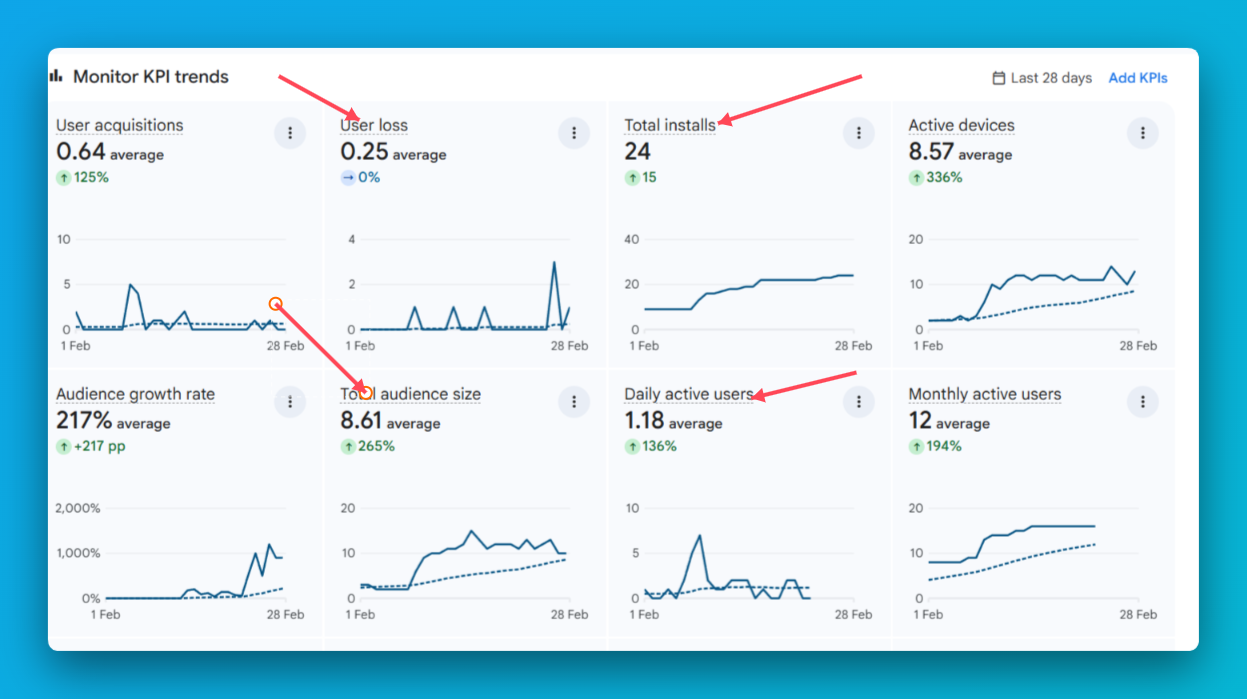
No Figma. No Photoshop. No design skills needed.
Beautiful Backgrounds
Plain screenshots are forgettable. Pick from 18+ hand-crafted gradients.
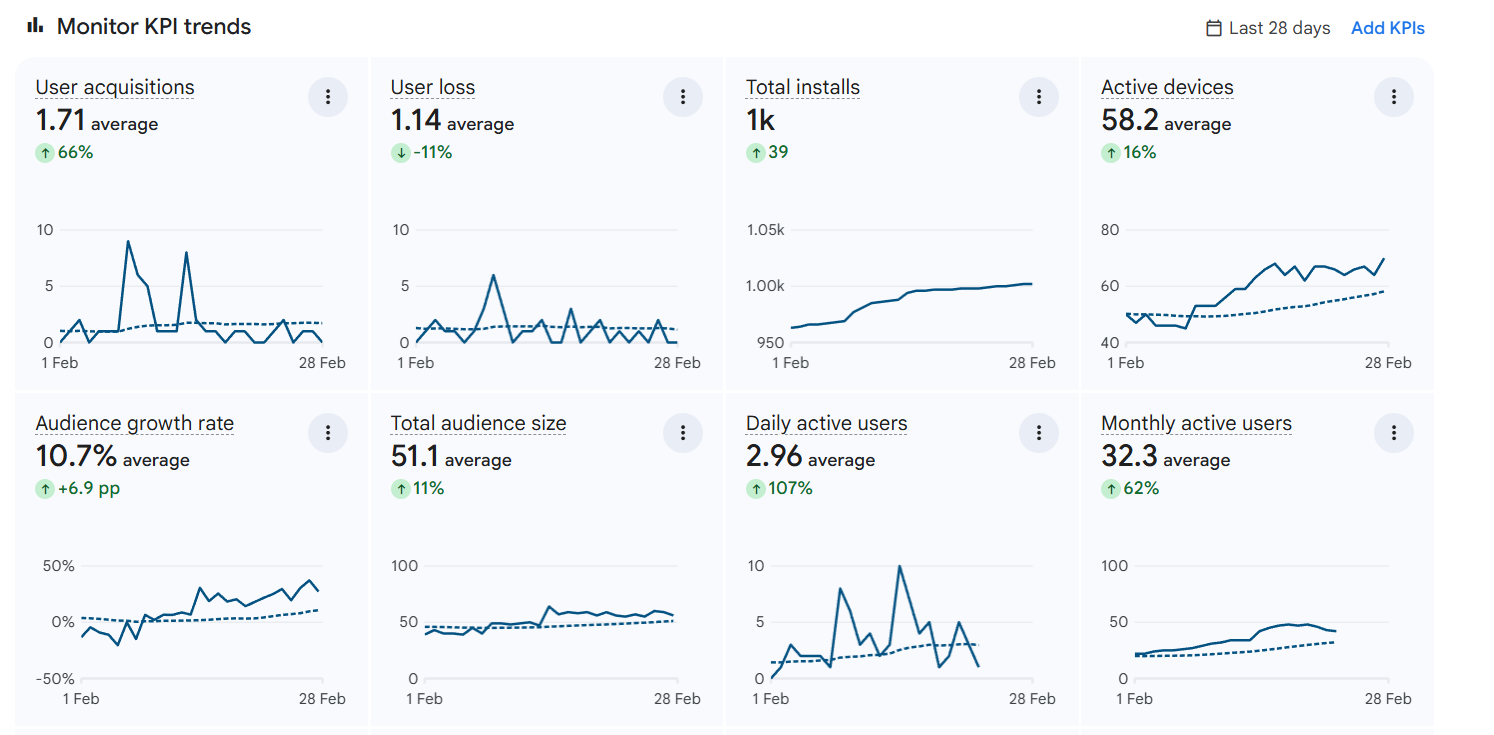
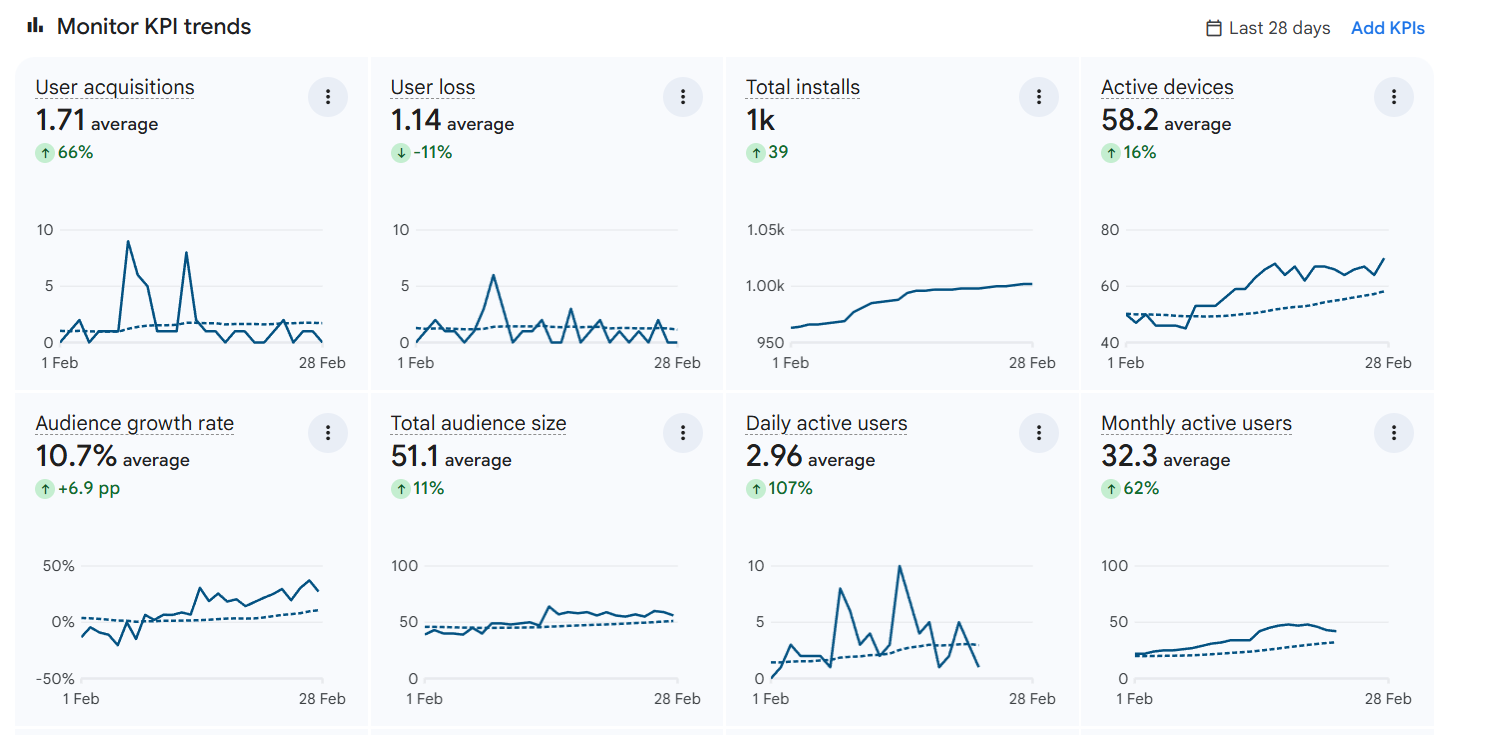
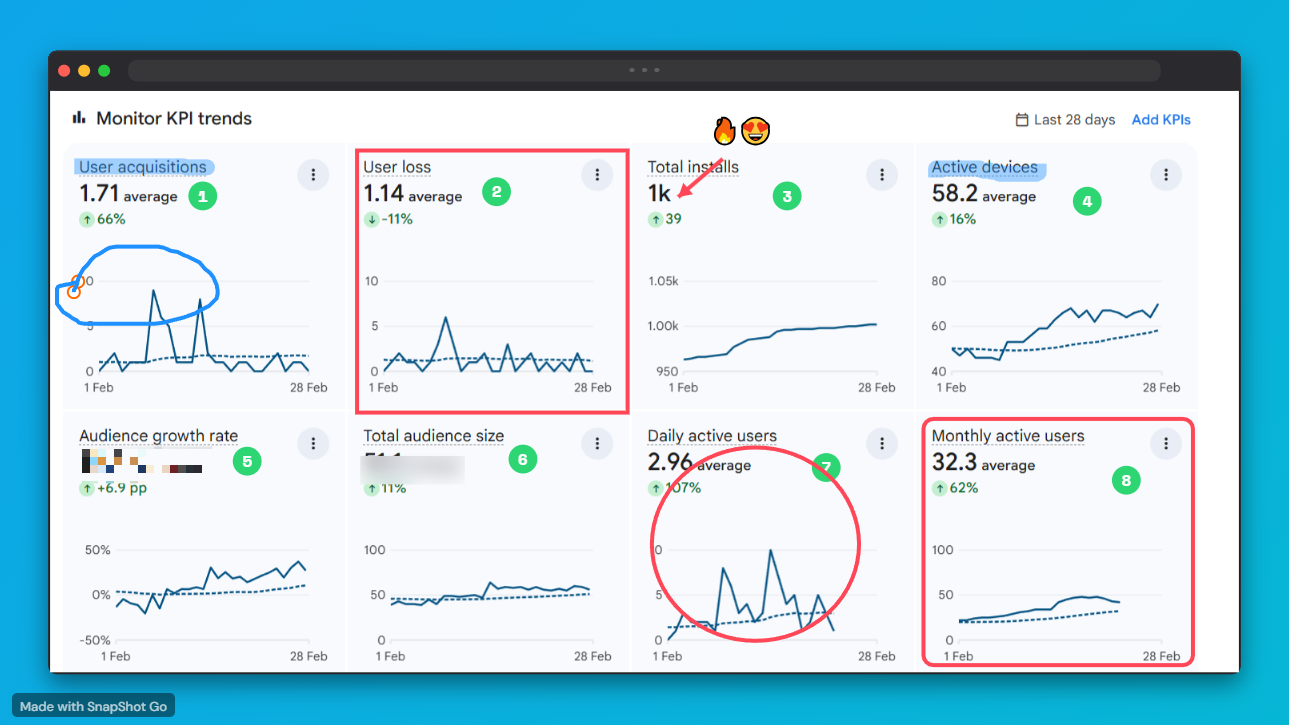
Same screenshot.
Totally transformed.
One click is all it takes. No design skills. No extra software.
No Figma. No Photoshop. No design skills needed.
Three steps.
That's literally it.
Snap
Click the SnapShot Go icon in Chrome. One click captures the entire visible tab instantly — no cropping, no fussing.
Style
Choose backgrounds, device frames, shadows, and annotations. Watch your screenshot transform in real-time.
Ship
Export as high-res PNG or copy directly to clipboard. Paste into Twitter, Notion, Slack, Product Hunt — anywhere.
Snapshot Go vs Default
Standard screenshots are boring. SnapShot Go gives you superpowers.
| Tool | Annotation | Backgrounds | Ease of Use | Export Quality | Price |
|---|---|---|---|---|---|
| SnapShot Go | Pro (12+ Tools) | 160+ High-Res | Instant (10s) | 4K Ready | $9.99 Lifetime |
| Snagit | Advanced | Limited | Steep Curve | High | $62.99 / year |
| CleanShot | Standard | Basic Grains | Moderate | High | $29 + $19/yr |
| Lightshot | Rudimentary | None | Fast | Low | Free |
SIMPLE. ONCE. FOREVER.
No subscriptions. No per-device fees. Buy once, use on every platform you own.
- Capture visible area
- Gradient backgrounds
- Basic annotations
- PNG export
- Works on all platforms
- SnapShot Go watermark
- Everything in Free
- Area capture
- Full page screenshot
- Device frames (MacBook, iPhone)
- No watermark + branding
- JPG, WebP, PDF export
- Premium backgrounds
- Windows + Mac + Linux + Web
One license key. Activate on Windows, macOS, Linux, and Chrome Extension — all with the same key. No limits.
ONE LICENSE. EVERY PLATFORM.
Buy Pro once and unlock all features on Windows, macOS, Linux, and Chrome — forever. No subscriptions. No per-device fees.
PICK YOUR PLATFORM.
Windows
Windows 10 / 11
- x64 NSIS installer
- System tray app
- Global shortcuts
macOS
Universal — Intel + Apple Silicon
- macOS 11+ (Big Sur and above)
- M1, M2, M3 + Intel supported
- Menu bar app
Linux
Ubuntu, Fedora, Debian and more
- AppImage — no install needed
- x64 architecture
- System tray support
Written by the
SnapShot Go Team.
"We built SnapShot Go because we were tired of switching to Figma every time we needed a professional screenshot for a tweet or documentation. Our goal was to create the highest quality screenshot tool in 2026—one that works instantly and requires zero design skills. No Figma. No Photoshop. Just stunning results."
The SnapShot Go Team
Visual Communication Experts since 2025
Got Questions?
Yes, SnapShot Go is specifically built for the 2026 workflow. While Snagit is powerful but bloated, and Lightshot is free but basic, SnapShot Go hits the sweet spot. It provides high-end design features (gradients, device mockups, shadows) with the speed of a keyboard shortcut. It’s perfect for creators who want their screenshots to look professional without needing Figma or Photoshop.
Stop sharing boring screenshots.
Start sharing visuals that convert.
Join 1,000+ developers and designers who stopped using plain screenshots forever.